# Log into your Account
#### 1. Log In
When you are invited, you will receive an email from BoundaryAI to set up your account.
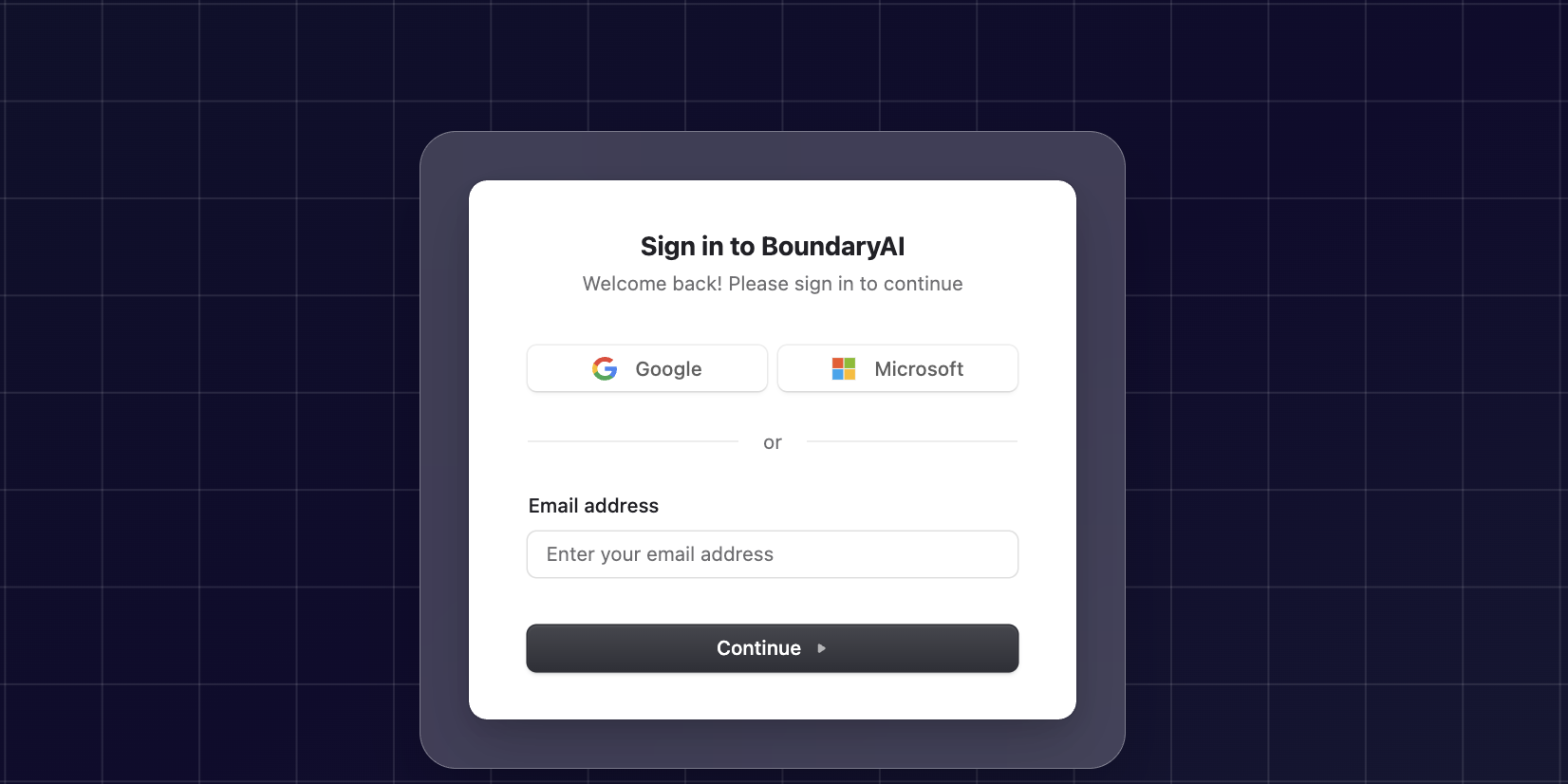
You can log in using any of the following methods:
* Your email address
* A login provider (Google, Microsoft)
* Your organization’s SSO
**To log in:**
1. Visit [Boundary AI](https://app.boundary-ai.com)
2. Enter your **email** and **password** or log in via your **Google** or **Microsoft** inbox
3. If required, open your **Authenticator App** and enter the **OTP code**
4. Click **Log In** to access your dashboard.
After logging in, you will be redirected to the Home page, where you can begin creating your first feedback group.